Code Scrapper specializes in creating high performance digital solutions tailored to modern business needs. From websites and mobile applications to custom software systems, every product is built to enhance user experiences, streamline operations, and support sustainable growth.
Happy Clients
Project Complete
Team Members
Years of Industry Experience


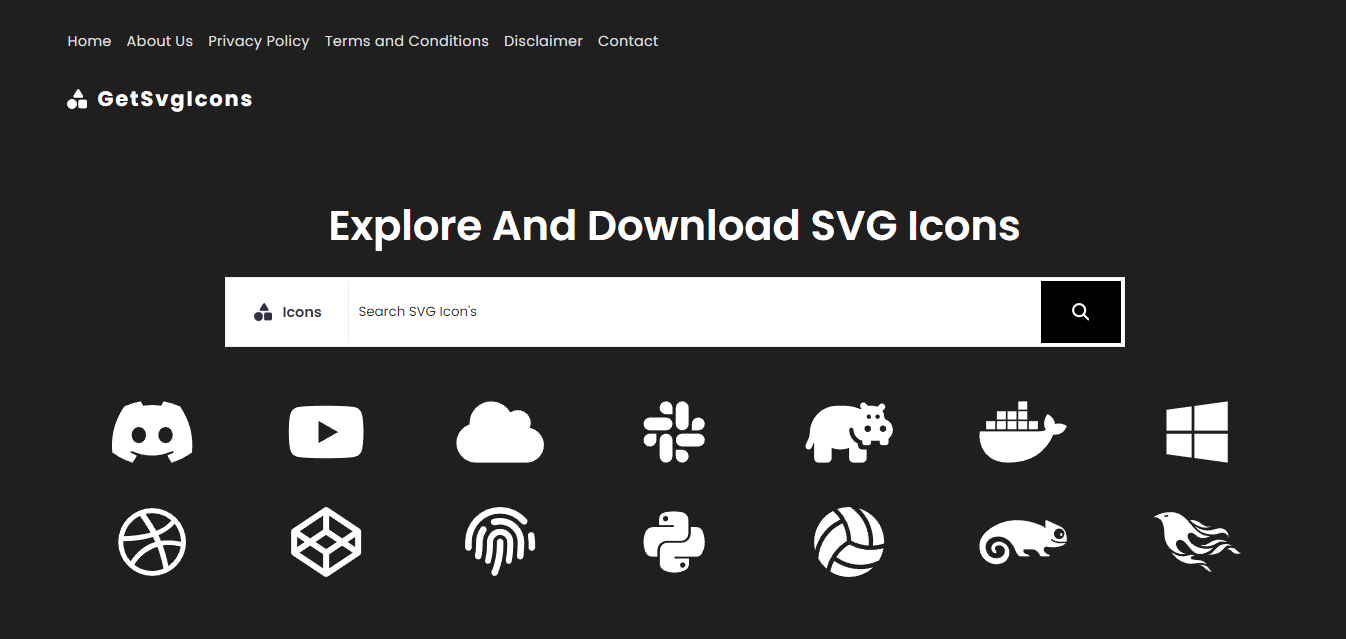
Explore And Download SVG Icons project with my experience

Leverage my expertise to explore and download a curated collection of high-quality SVG icons, designed for seamless integration into your web and mobile projects.

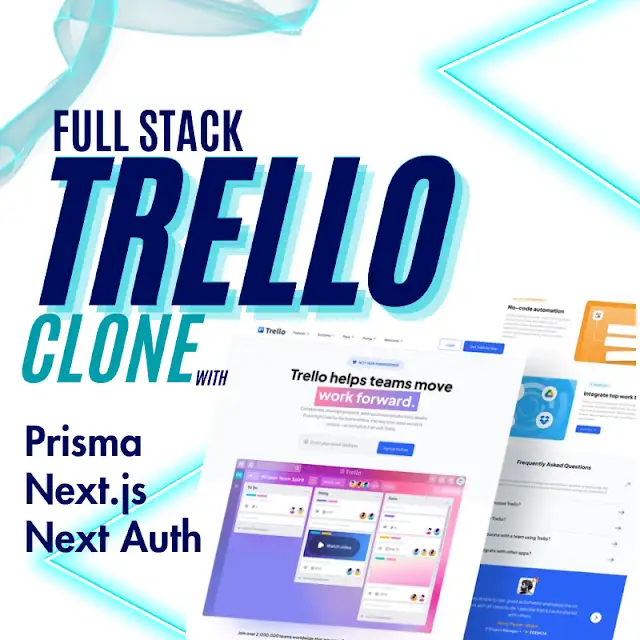
Trello Clone has transcended the browser and powers server-side applications through frameworks

Start your day with our blog's uplifting 'Good Morning' images and inspiring messages.

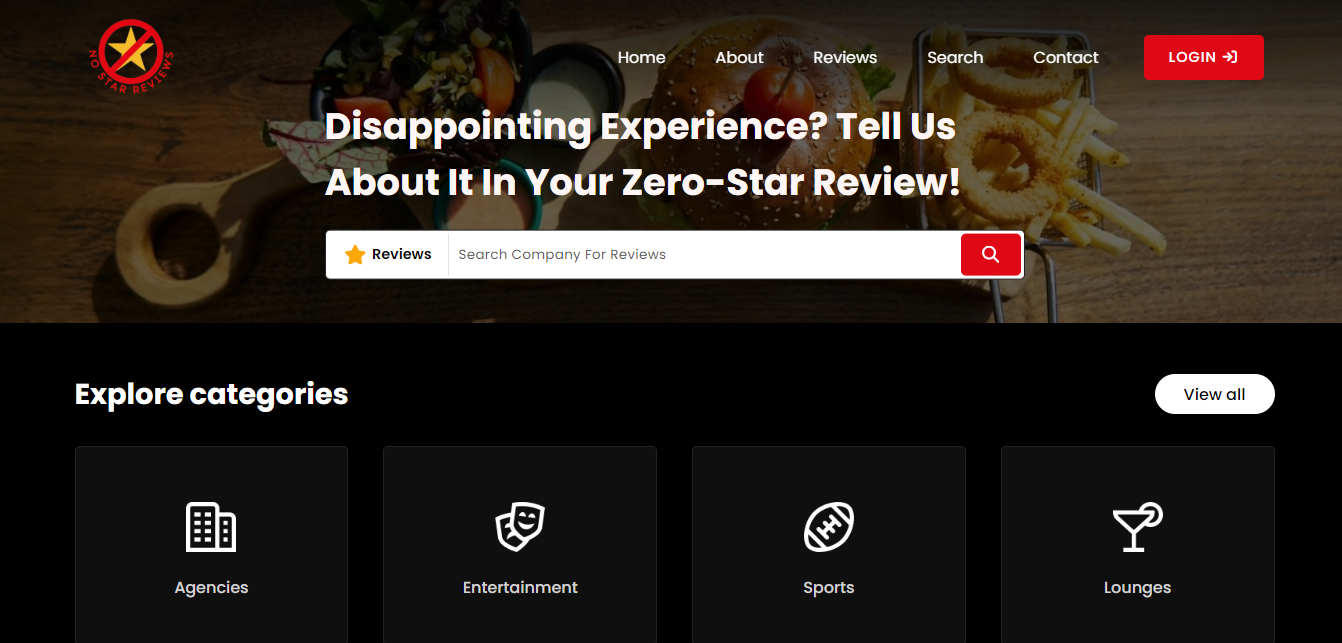
Share your honest feedback with our zero-star review platform, highlighting your disappointing experiences.

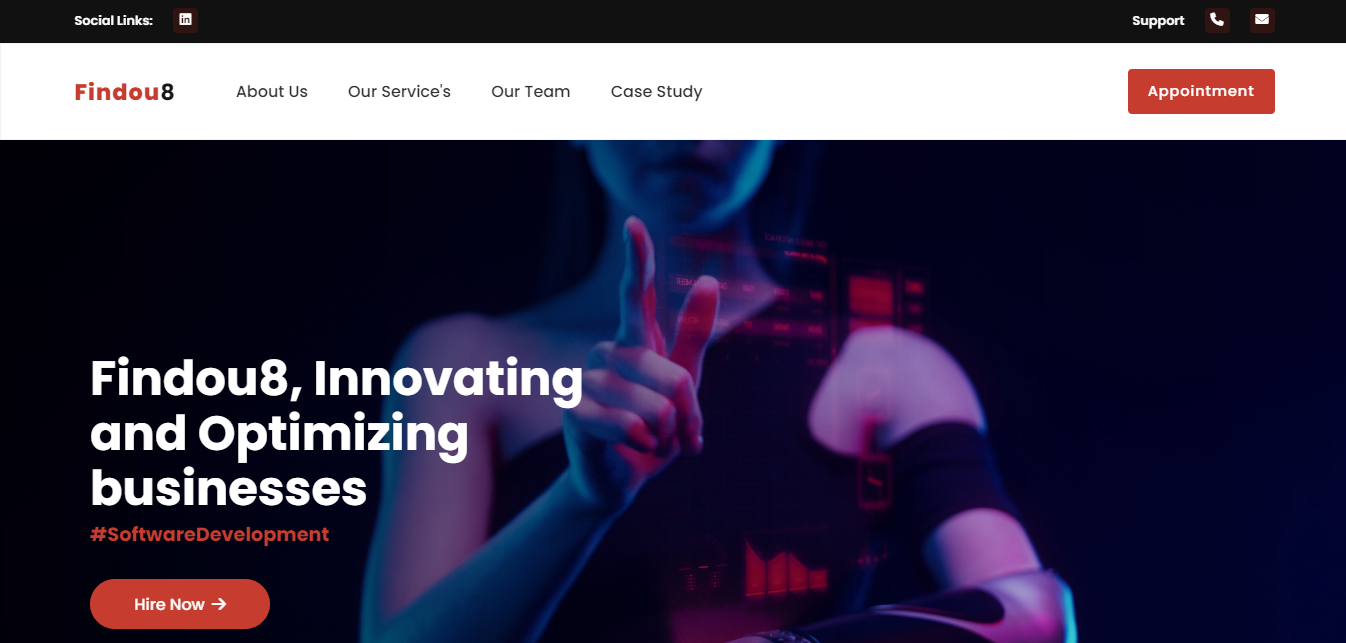
This project focused on innovating and optimizing businesses through AI services and advanced web development solutions.

This project offers the UK's lowest prices on high-quality catering equipment, designed to meet all your business needs efficiently and affordably.
Let's bring your next big idea to life with our expertise
Purpose built tools and resources designed to accelerate workflows, enhance productivity, and empower digital success. Every resource is crafted to deliver practical value while maintaining a seamless user experience.
Powerful tools for all your image manipulation needs
Specialized tools for developers and job seekers
Can't find the tool you need? Share your idea with us, and our development team will bring it to life. Your suggestion could help thousands of developers worldwide!
Next big tool could be your suggestion
Get featured in our contributors' hall of fame and receive exclusive swag when your suggestion is implemented!

Every project is tailored to your unique goals — no templates, no shortcuts, just precision-crafted results.
From concept to deployment and beyond, we handle everything — design, development, testing, and maintenance.
We believe in open communication, timely delivery, and building long-term partnerships based on trust.


Explore Code Scrapper's growing ecosystem of knowledge and innovation. From ready-to-use digital solutions to educational content, our resources empower developers, businesses, and learners to grow, create, and excel.
Find answers to common questions about our tools, services, and platform. Can't find what you're looking for? Feel free to contact our support team.
Can't find the answer you're looking for? Please chat with our friendly team.
Transforming complex challenges into strategic digital opportunities through innovation and technical excellence.

To create a NestJS application with Prisma, You'll need to follow several steps to set up Prisma, configure your database, and create the necessary modules, services, and controllers to handle blog posts. I'll guide you through the entire process, including setting up Prisma with MongoDB, configuring NestJS modules, and creating a blogging post feature.
1. Install NestJS and Create a New Project
npm install -g @nestjs/cli nest new project-name cd project-name
2. Install Prisma and Initialize Prisma
Using npm:
npm install @prisma/client npm install -D prisma
Using yarn:
yarn add @prisma/client yarn add -D prisma
Initialize Prisma for mongoDB:
npx prisma init --datasource-provider mongodb
This will create a prisma folder with schema.prisma and a .env file.
Open prisma/schema.prisma and update the datasource block to use MongoDB:
datasource db {
provider = "mongodb"
url = env("DATABASE_URL")
}
generator client {
provider = "prisma-client-js"
}
Update your .env file with the MongoDB connection string:
DATABASE_URL="mongodb://localhost:27017/abc"
Make sure your MongoDB server is running locally or replace the connection string with your remote MongoDB server details.
model User {
id String @id @default(auto()) @map("_id") @db.ObjectId
email String @unique
name String?
posts Post[]
}
model Post {
id String @id @default(auto()) @map("_id") @db.ObjectId
title String
content String
published Boolean @default(false)
authorId String @db.ObjectId
author User @relation(fields: [authorId], references: [id])
createdAt DateTime @default(now())
updatedAt DateTime @updatedAt
}
These models define the basic structure of users and posts in your blogging platform.
Generate the Prisma client, which allows you to interact with the database:
npx prisma generate
Inside the src directory, create a new file prisma.service.ts:
import { Injectable, OnModuleInit } from '@nestjs/common';
import { PrismaClient } from '@prisma/client';
@Injectable()
export class PrismaService extends PrismaClient implements OnModuleInit {
async onModuleInit() {
await this.$connect();
}
}
Inside the src directory, create a new file prisma.module.ts:
import { Module } from '@nestjs/common';
import { PrismaService } from './prisma.service';
@Module({
providers: [PrismaService],
exports: [PrismaService],
})
export class PrismaModule {}
import { Module } from '@nestjs/common';
import { AppController } from './app.controller';
import { AppService } from './app.service';
import { PrismaService } from './prisma.service';
@Module({
imports: [],
controllers: [AppController],
providers: [AppService,PrismaService],
})
export class AppModule {}

Back in early January, we threw a challenge at the whole company: find a way to 10x your actual output.
So people started building agents. Not just generic chatbots — these were focused, purpose-built helpers that took over all the boring, repetitive stuff that usually eats up hours.
At first, everyone created their own little interfaces for these agents. The AI SDK made it pretty straightforward with ready-made model connections and simple UI components.
But soon we ran into a wall. Everyone wanted to use their agents directly inside Slack. That meant every team suddenly had to learn how to connect to Slack’s API.
Then things got even messier. Once the agents were living in Slack, people started asking for the same thing on Discord, GitHub, Linear, and a bunch of other tools. Every new platform meant building yet another integration from scratch.
That’s when it clicked for us. Instead of forcing people to come to the agents… we needed to bring the agents to wherever people were already working.
We had made it super easy for our teams to build agents, but extending them to work everywhere turned out to be the hard part.
And this isn’t just our problem — it’s every company’s reality. Teams are already living in Microsoft Teams, WhatsApp, Telegram, Google Chat, and a dozen other messaging apps. If your agents aren’t there, people simply won’t use them.
That’s exactly why we built the Chat SDK.
Just like the AI SDK gave us one clean way to talk to any AI model, the Chat SDK does the same for messaging platforms. It hides all the messy, platform-specific quirks and gives developers (and their coding agents) a simple, unified framework to connect anywhere.
import { streamText } from "ai";
const result = await streamText({
model: "anthropic/claude-opus-4.6", // swap out the provider
prompt: "Hello world",
});
..("AI SDK abstracts away individual provider logic, making provider and model changes a simple string change.").
Developers no longer need to think about the way streaming might differ from one platform to the next, or how formatting, branching logic, or even reaction-handling should be tackled for individual APIs.
Write once, deploy everywhere
Chat SDK is a TypeScript library for building bots that run across Slack, Microsoft Teams, Google Chat, Discord, Telegram, GitHub, and Linear — all from a single codebase. The core chat package manages event routing and application logic. Platform-specific behavior is handled by adapters, so your handlers stay exactly the same no matter where you deploy.
Here's what a basic bot looks like:
import { Chat } from "chat";
import { createSlackAdapter } from "@chat-adapter/slack";
import { createRedisState } from "@chat-adapter/state-redis";
const bot = new Chat({
userName: "mybot",
adapters: {
slack: createSlackAdapter(),
},
state: createRedisState(),
});
bot.onNewMention(async (thread) => {
await thread.subscribe();
await thread.post("Hello! I'm listening to this thread now.");
});
bot.onSubscribedMessage(async (thread, message) => {
await thread.post(`You said: ${message.text}`);
});
Each adapter automatically picks up credentials from environment variables, so you can get started without any extra setup. Switching from Slack to Discord is as simple as swapping the adapter — no need to rewrite your bot.
Platform inconsistencies, handled
Platforms behave very differently from each other, and Chat SDK doesn’t hide those differences with fake promises. Instead, it handles them inside the adapter layer so your main application code stays clean.
Take streaming, for example. Slack has a native streaming path that renders bold, italic, lists, and other formatting in real time as the response arrives. Other platforms use a fallback streaming path, passing streamed text through each adapter’s markdown-to-native conversion pipeline at every step.
Before Chat SDK, those adapters received raw markdown strings, so users on Discord or Teams would see literal bold syntax until the final message was complete. Now that conversion happens automatically.
Table rendering follows the same pattern. The Table() component gives you a clean, composable API for rendering tables across every adapter. Pass in headers and rows, and Chat SDK figures out the rest. Slack renders Block Kit table blocks. Teams and Discord use GFM markdown tables. Google Chat uses monospace text widgets. Telegram converts tables to code blocks. GitHub and Linear continue to use their existing markdown pipelines.
import { Table } from "chat";
await thread.post(
<Table
headers={["Name", "Status", "Region"]}
rows={[
["api-prod", "healthy", "iad1"],
["api-staging", "degraded", "sfo1"],
]}
/>
);
Cards, modals, and buttons work the same way. You write the element once using JSX, and each adapter renders it in whatever format the platform supports natively. If a platform doesn’t support a particular element, it falls back gracefully.
Why Chat SDK matters even for single platforms
Even if your agent is only targeting Slack, Chat SDK still solves real problems. Channel and user names are automatically converted to clear text so your agent actually understands the context of the conversation.
This translation works both ways. When the agent mentions someone using clear text, Chat SDK makes sure the notification actually triggers in Slack.
Agents need full context to be truly effective. Chat SDK automatically includes link preview content, referenced posts, and images directly in the agent’s prompts. Plus, while models generate standard markdown, Slack doesn’t support it natively. Chat SDK converts standard markdown to Slack’s variant automatically — and this happens in real time, even with Slack’s native append-only streaming API.
AI streaming, built in
The post() function accepts an AI SDK text stream directly, which means you can pipe a streaming LLM response to any chat platform without any extra wiring:
import { streamText } from "ai";
bot.onNewMention(async (thread) => {
await thread.subscribe();
const result = await streamText({
model: "anthropic/claude-sonnet-4",
prompt: "Summarize what's happening in this thread.",
});
await thread.post(result.textStream);
});
The adapter layer handles all the platform-specific rendering of that stream, including live formatting wherever the platform supports it.
State that scales
Thread subscriptions, distributed locks, and key-value cache state are handled through pluggable state adapters. Redis and ioredis have been available since launch. PostgreSQL is now fully supported as a production-ready option, so teams already using Postgres can persist bot state without adding Redis.
import { createPostgresState } from "@chat-adapter/state-postgres";
import { createSlackAdapter } from "@chat-adapter/slack";
import { Chat } from "chat";
const bot = new Chat({
userName: "mybot",
adapters: {
slack: createSlackAdapter(),
},
state: createPostgresState(),
});
The PostgreSQL adapter uses pg (node-postgres) with raw SQL and automatically creates the required tables on first connect. It supports TTL-based caching, distributed locking across multiple instances, and namespaced state via a configurable key prefix.
WhatsApp, and beyond
Chat SDK now supports WhatsApp, extending the write-once model to one of the largest messaging platforms in the world.
The WhatsApp adapter supports messages, reactions, auto-chunking, read receipts, multi-media downloads (images, voice messages, stickers), and location sharing with Google Maps URLs. Cards render as interactive reply buttons with up to three options, falling back to formatted text where needed.
import { createWhatsAppAdapter } from "@chat-adapter/whatsapp";
import { Chat } from "chat";
const bot = new Chat({
userName: "mybot",
adapters: {
whatsapp: createWhatsAppAdapter(),
},
state: createRedisState(),
});
bot.onNewMention(async (thread) => {
await thread.post("Hello from WhatsApp!");
});
Note that WhatsApp enforces a 24-hour messaging window, so bots can only respond within that period. The adapter does not support message history, editing, or deletion.
Getting started
To augment your coding agents, install the Chat skill:
npx skills add vercel/chat
This gives your agent access to Chat SDK’s documentation, patterns, and best practices so it can help you build bots against the SDK.
You can also use and modify this starter prompt:
Migrate this agent to the Vercel Chat SDK, consolidating all platform-specific logic (Slack, Discord, GitHub, etc.) into a single unified implementation where core behavior is defined once and adapters handle platform differences. Remove duplicated integration logic and refactor to a clean “write once, deploy everywhere” architecture using Chat SDK as the abstraction layer. Use best practices from: npx skills add vercel/chat.
The Chat SDK documentation covers getting started, platform adapter setup, state configuration, and guides for common patterns including a Slack bot with Next.js and Redis, a Discord support bot with Nuxt, and a GitHub code review bot with Hono.
Chat SDK is open source and in public beta. The agents your team has been building don’t have to live on just one platform. They can go wherever your users actually are.

The Death of Monoliths: Why Headless CMS + API-First + Composable Architectures Are Dominating Web Dev in April 2026
Hey builders! If you’re still running a traditional all-in-one CMS (think WordPress or older Drupal setups), 2026 is officially calling your bluff. Monolithic architectures — where content, presentation, and business logic are tightly coupled in one massive system — are dying fast. In their place? A flexible, future-proof stack built on Headless CMS + API-First design + Composable Architectures.
This isn’t hype. It’s the new baseline for any team shipping across web, mobile, IoT, or emerging channels. Real-time personalization, lightning-fast updates, and dynamic nested grids are now table stakes — and the winners are the ones who decoupled years ago.
Let’s break it down.
A headless CMS is content without the “head” (the frontend presentation layer). You manage content in a clean backend repository, then deliver it anywhere via secure APIs (REST or GraphQL). No more rigid templates tying your content to one website layout.
API-First takes it further: Every capability (content, search, personalization, commerce) is built as an independent, consumable service from day one.
The result? One source of truth for content that powers your marketing site, mobile app, in-store kiosk, partner portal — you name it — without duplication or rework.
In 2026, this is no longer “advanced.” It’s the practical default for any organization managing more than one digital channel. The headless CMS market is exploding (projected to hit billions by 2035), driven by omnichannel demands and AI-powered experiences.
Enter Composable (or MACH: Microservices, API-first, Cloud-native, Headless). Instead of one big monolithic platform, you snap together best-of-breed tools like Lego bricks:
Each piece is independently scalable, upgradable, and replaceable. A search outage doesn’t crash your checkout. A CMS update doesn’t require a full redeploy.
Teams love this because:
On the presentation side, micro-frontends are breaking up monolithic React/Vue/Angular apps into independent, team-owned modules. One team owns the product page, another the checkout — each deployable on its own schedule. No more merge-conflict nightmares at scale.
Pair that with Jamstack principles (pre-rendered markup + JavaScript + APIs, now evolved into edge-first, runtime-hybrid setups) and you get:
Yes, some say the “Jamstack” label is fading — but the idea (static + APIs + edge) has absolutely won. Real-time personalization? Handled. Complex nested grids (think drag-and-drop sections that adapt per user)? Trivial with component-based modeling.
Here’s where it gets exciting:
AI integration makes it even smarter — auto-generating variants, translating on-the-fly, or predicting what content converts best.
| Platform | Best For | Killer Feature |
|---|---|---|
| Sanity | Flexible, collaborative teams | Real-time editing + AI tools |
| Contentful | Enterprise omnichannel | Robust APIs + ecosystem |
| Strapi | Open-source lovers | Self-hosted, fully extensible |
| Hygraph | GraphQL-native complexity | Composable content hubs |
| Storyblok | Visual-first marketers | Component-based “slices” |
| Payload | Next.js-native devs | Runs inside your app router |
(Plus rising stars like Agility CMS and Kontent.ai for specific enterprise needs.)
Monoliths still work for tiny static sites… but for anything growing, they’re a maintenance tax waiting to explode.
Quick-Start Tip for Today: Audit your current stack. Pick one headless CMS (try Strapi or Payload for low friction), expose your content via GraphQL, and build a small micro-frontend proof-of-concept with Next.js. You’ll see the difference in your first sprint.
The composable era isn’t coming — it’s already shipping. Teams that embrace it are moving faster, iterating smarter, and delivering experiences that actually feel alive.
What’s your biggest monolith pain point right now? Planning a migration? Drop it below — happy to share real migration patterns I’ve seen working in 2026.
Stay composable,

In 2026, businesses are no longer asking whether they need digital products. The real question is who should build them.
From startups launching MVPs to enterprises modernizing internal systems, the demand for reliable software development companies has exploded. At the same time, the market has become crowded with agencies promising “high-quality development at affordable prices” while delivering inconsistent results, delayed timelines, poor code quality, or projects that become impossible to scale.
Choosing an affordable software development partner is no longer about finding the cheapest quote. It is about finding a team that can deliver scalable products, communicate effectively, understand business goals, and stay reliable long after deployment.
This guide explains how modern businesses should evaluate development partners in 2026 without sacrificing quality, speed, or long-term growth potential.
If you are hiring a software development company in 2026, focus on:
✓ Technical capability over low pricing
✓ Clear communication and project transparency
✓ Real portfolio proof instead of generic claims
✓ Long-term scalability and maintenance support
✓ Modern technology expertise like MERN stack development
✓ Business understanding, not just coding ability
✓ Delivery process and documentation standards
✓ Post-launch support and optimization
The best development partner is not the cheapest agency. It is the team that helps your business grow without creating technical debt.
The software industry changed dramatically over the last few years.
AI-assisted development accelerated production speeds, remote engineering teams became mainstream, and businesses gained access to global talent pools. But alongside these advantages came new problems:
✓ Poorly structured codebases
✓ Agencies overpromising timelines
✓ Freelancers disappearing mid-project
✓ Security vulnerabilities
✓ Products that cannot scale
✓ Communication breakdowns
✓ Hidden outsourcing layers
According to industry reports, a significant percentage of software projects still exceed budget or fail due to communication issues and poor project management rather than technical inability.
That means your choice of development partner directly affects:
✓ Revenue growth
✓ Customer experience
✓ Operational efficiency
✓ Investor confidence
✓ Long-term maintenance costs
This is why modern businesses are shifting from “cheap development” to “affordable and scalable development.”
Most companies compare pricing before comparing process quality.
That is usually where problems begin.
A low-cost development quote often hides one of these issues:
✓ Junior-only developers
✓ No proper QA testing
✓ No documentation
✓ Poor architecture planning
✓ No scalability consideration
✓ Weak security implementation
✓ Outdated frameworks
✓ Poor communication structure
The result?
The business pays twice:
once for the initial project and again to fix or rebuild it later.
Affordable software development should reduce long-term cost, not just initial pricing.
An affordable software development partner is not simply a cheap agency.
It is a company that provides:
✓ Reliable engineering
✓ Efficient delivery
✓ Scalable architecture
✓ Transparent pricing
✓ Long-term support
✓ Strong communication
✓ Business-focused execution
The goal is value per dollar, not lowest price.
For example:
A $5,000 project that requires rebuilding after six months is more expensive than a properly engineered $12,000 project that scales for years.
Smart businesses optimize for sustainability, not temporary savings.
Before hiring any website development company or mobile app development services provider, evaluate these areas carefully.
Strong agencies do not immediately start discussing technology stacks.
Instead, they ask questions like:
✓ What business problem are you solving?
✓ Who are your users?
✓ How will success be measured?
✓ What are your scalability expectations?
✓ What integrations will be needed later?
This indicates they think like product partners, not task executors.
Professional development teams follow structured workflows.
A mature process usually includes:
✓ Discovery and planning
✓ Wireframing or UI/UX stage
✓ Architecture planning
✓ Development sprints
✓ QA testing
✓ Deployment
✓ Maintenance and optimization
If an agency cannot clearly explain its workflow, that is usually a warning sign.
One of the biggest reasons outsourced software projects fail is poor communication.
Your development partner should provide:
✓ Regular updates
✓ Project tracking systems
✓ Clear timelines
✓ Defined deliverables
✓ Direct access to team members
✓ Fast response times
In 2026, transparency is not optional.
Many low-cost developers build software that works temporarily but collapses when user traffic grows.
A strong custom software development company plans for:
✓ Scalability
✓ Performance optimization
✓ Security
✓ API flexibility
✓ Cloud infrastructure
✓ Future integrations
This is especially important for startups expecting growth.
Technology changes quickly.
A reliable full stack development services provider should already be comfortable with modern frameworks and scalable architectures.
This includes experience with:
✓ React
✓ Node.js
✓ Next.js
✓ MongoDB
✓ TypeScript
✓ AWS or cloud infrastructure
✓ REST APIs and GraphQL
✓ Mobile frameworks
Businesses looking for fast and scalable products often choose MERN stack development because it enables efficient frontend and backend workflows under one ecosystem.
Modern businesses increasingly prefer MERN stack development for web applications because it offers:
✓ Fast development cycles
✓ Scalable architecture
✓ Excellent performance
✓ Strong community support
✓ Cross-functional JavaScript ecosystem
✓ Cost efficiency
The MERN stack includes:
✓ MongoDB
✓ Express.js
✓ React
✓ Node.js
For startups and growth-stage businesses, this stack provides flexibility without massive infrastructure overhead.
A strong development partner should know when MERN is appropriate and when another architecture is better.
That distinction matters.
Good agencies recommend what fits your business.
Weak agencies recommend only what they know.
For many companies, outsourcing software development is now the most practical option.
The global talent market allows businesses to access experienced engineering teams without maintaining large in-house departments.
Benefits include:
✓ Lower operational cost
✓ Faster hiring
✓ Access to specialized expertise
✓ Scalable team expansion
✓ Faster project delivery
However, outsourcing only works when the partner has mature systems and accountability.
The wrong outsourcing decision can damage timelines, budgets, and product quality.
Before hiring a development team, ask these questions:
1- What technologies do you specialize in?
2- How do you handle scalability?
3- How is code reviewed?
4- What testing process do you follow?
5- How do you manage security?
1- Who will manage the project?
2- How often will updates be shared?
3- What happens if timelines shift?
4- What tools do you use for collaboration?
1- Have you worked with similar industries?
2- Can you show measurable outcomes?
3- How do you approach long-term maintenance?
Professional answers should be specific, not vague sales language.
If the pricing feels extremely cheap compared to the market average, investigate why.
Low pricing often means:
1- Inexperienced developers
2- Poor management
3- No testing
4- Outdated practices
Strong agencies never jump directly into coding without understanding business requirements.
Skipping discovery usually creates confusion later.
If you cannot identify who manages the project, communication problems will appear quickly.
Many agencies display template-based projects or copied designs.
Always ask:
1- What exactly did your team build?
2- What business results were achieved?
3- Can you explain technical challenges?
Software products require ongoing maintenance.
If the agency disappears after deployment, your business becomes vulnerable.
Many businesses confuse standard website development with custom software engineering.
There is a major difference.
Usually focused on:
✓ Marketing websites
✓ Landing pages
✓ CMS platforms
✓ Basic business sites
Focused on:
✓ Business systems
✓ Platforms
✓ SaaS products
✓ Dashboards
✓ Automation tools
✓ Complex integrations
If your project includes workflows, automation, scalability, or user systems, you likely need custom software development rather than simple website creation.
Choosing the wrong type of provider creates major limitations later.
Many technically skilled developers still fail as long-term partners because they communicate poorly.
Strong communication improves:
✓ Timeline accuracy
✓ Feature clarity
✓ Bug resolution
✓ Product quality
✓ Business alignment
A mature software development company should feel like a strategic extension of your business, not an unreachable vendor.
This becomes even more important when outsourcing across different countries and time zones.
Before finalizing any partnership, ask:
1- Who owns the source code?
2- How are revisions handled?
3- What happens if scope changes?
4- What project management tools are used?
5- How is progress measured?
6- What support is included after launch?
7- How are bugs prioritized?
8- What security standards are followed?
These questions protect your business from hidden problems later.
The best software products evolve continuously.
That means your development partner should ideally support:
1- Future feature expansion
2- Optimization
3- Maintenance
4- Scaling
5- Security updates
6- Performance improvements
Switching development teams repeatedly slows growth and increases technical debt.
This is why many successful businesses prefer long-term software partnerships instead of one-time project relationships.
At Code Scrapper, the focus is not just on writing code.
The goal is helping businesses build scalable digital products that are practical, modern, and growth-ready.
The team works on:
1- Custom software development
2- Website development
3- Mobile app development services
4- Full stack development services
5- MERN stack development
6- Scalable startup platforms
7- Business automation systems
Instead of offering generic one-size-fits-all solutions, projects are approached based on business objectives, scalability requirements, and long-term usability.
That approach helps businesses avoid expensive rebuilds and technical limitations later.
In 2026 and beyond, businesses will increasingly choose development partners based on:
1- Strategic thinking
2- Scalability planning
3- Communication quality
4- AI integration readiness
5- Long-term support capability
6- Business understanding
Pure coding ability is no longer enough.The agencies that win long term are the ones that combine engineering expertise with business maturity.
Choosing an affordable software development partner in 2026 is not about finding the cheapest team.
It is about finding the right balance between:
1- Cost
2- Quality
3- Communication
4- Scalability
5- Reliability
The right software development company can accelerate business growth, improve operational efficiency, and help you launch products confidently.
The wrong one can create delays, technical debt, lost revenue, and rebuilding costs.
Businesses that evaluate partners carefully almost always save more money long term than businesses that prioritize low pricing alone.
If you are planning to build a scalable website, mobile application, SaaS platform, or custom software solution, investing time into choosing the right development partner is one of the most important business decisions you can make.
Focus on technical expertise, communication quality, scalability planning, and real project experience instead of simply comparing prices.
Yes, if you choose a reliable partner with mature systems, transparent communication, and strong technical processes.
MERN stack development allows faster full stack application development using a unified JavaScript ecosystem that is scalable and cost-efficient.
Costs vary depending on complexity, features, scalability requirements, integrations, and development timeline. Businesses should prioritize long-term value rather than lowest pricing.
Avoid teams with unrealistic pricing, unclear communication, no structured process, weak portfolios, or no post-launch support.
Visit Code Scrapper Official Website to explore scalable web, mobile, and custom software development solutions tailored for modern businesses.
See All Solutions